Family Tree
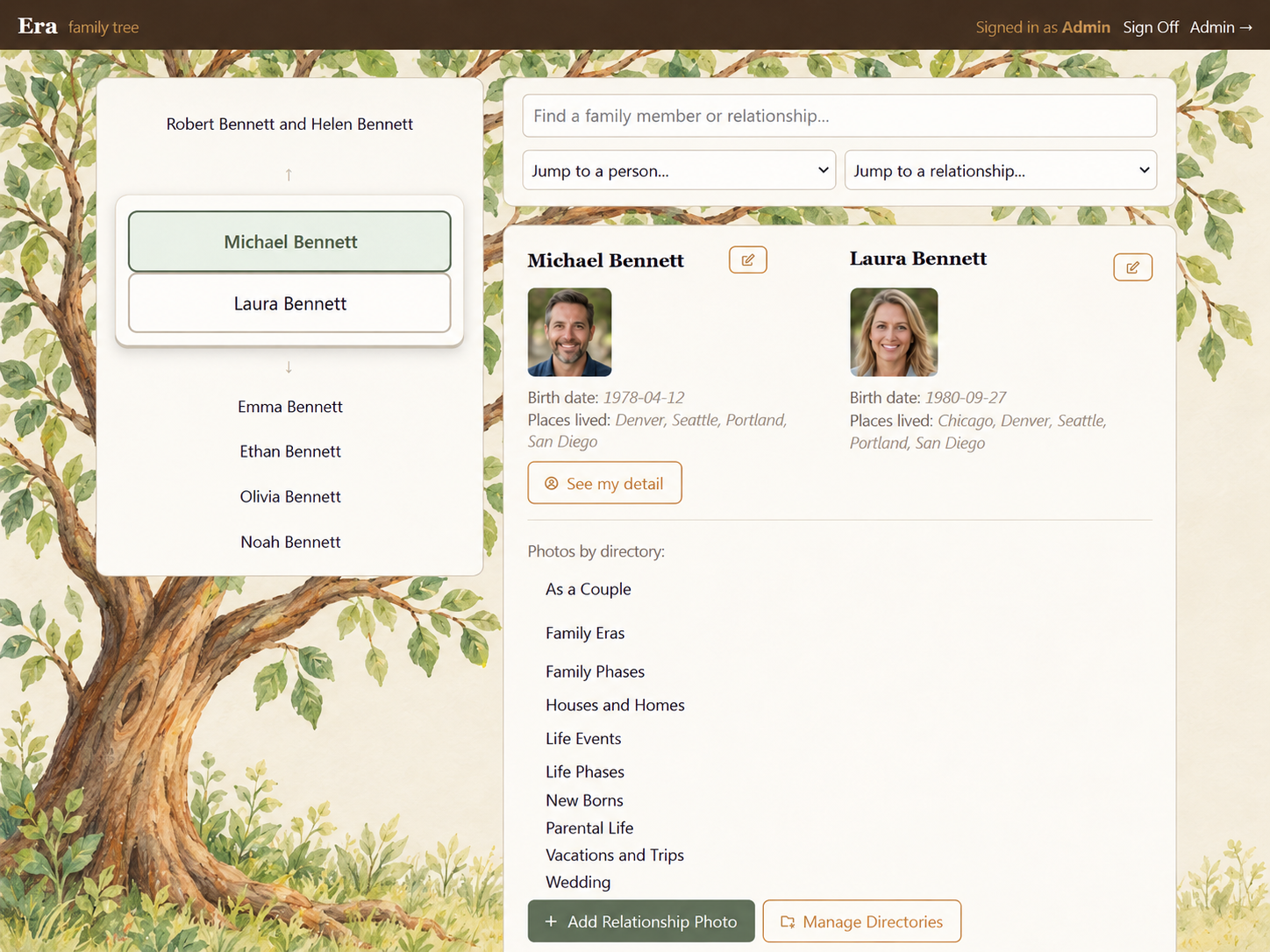
Explore generations, family connections, profiles, and photo directories through the real ERA™ family-tree interface.
Explore Family Tree →
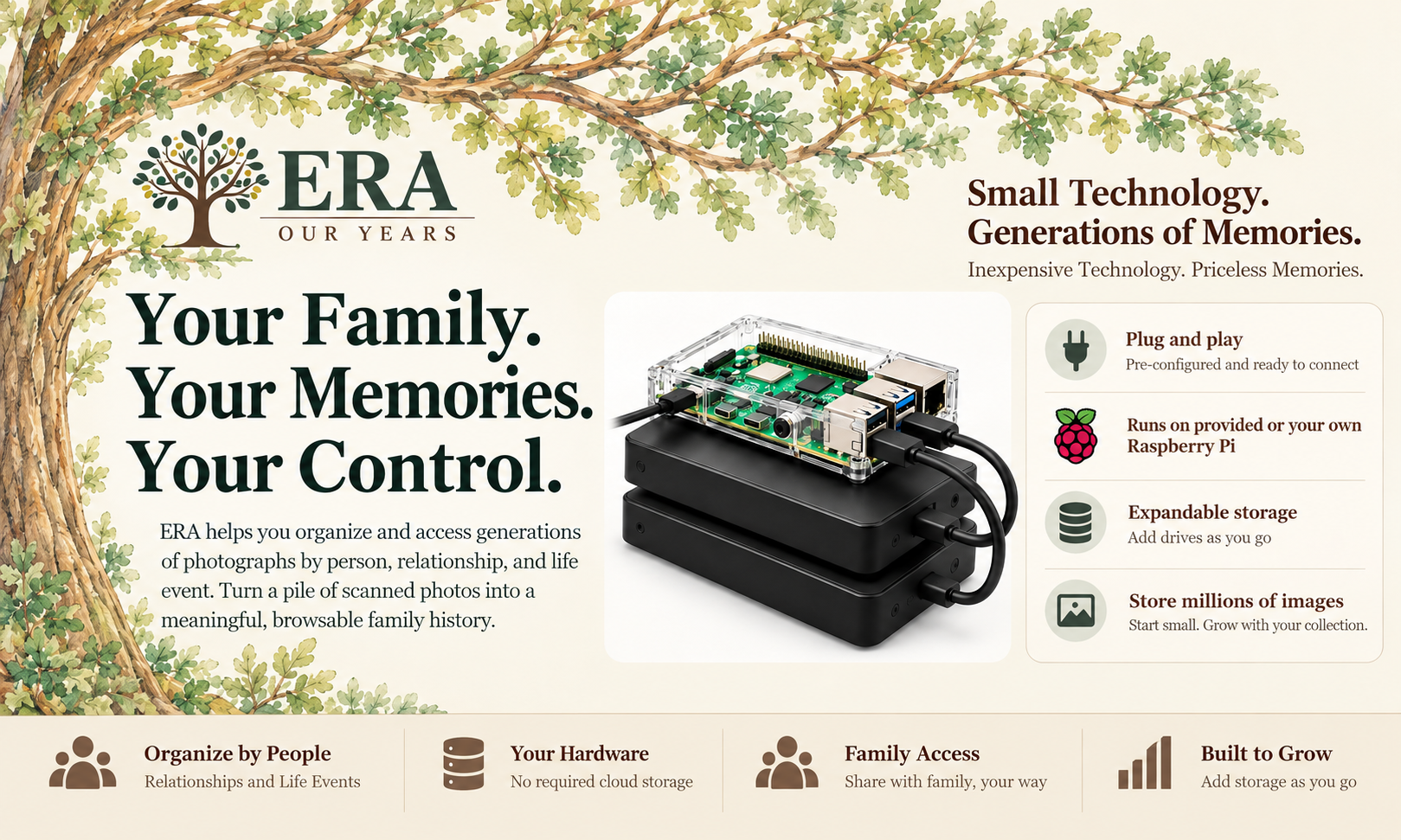
Many families scan hundreds or thousands of old photographs, only to receive a large batch of files on a thumb drive. ERA™ makes those photographs useful by connecting them to family members, relationships, and meaningful albums.
Explore generations, family connections, profiles, and photo directories through the real ERA™ family-tree interface.
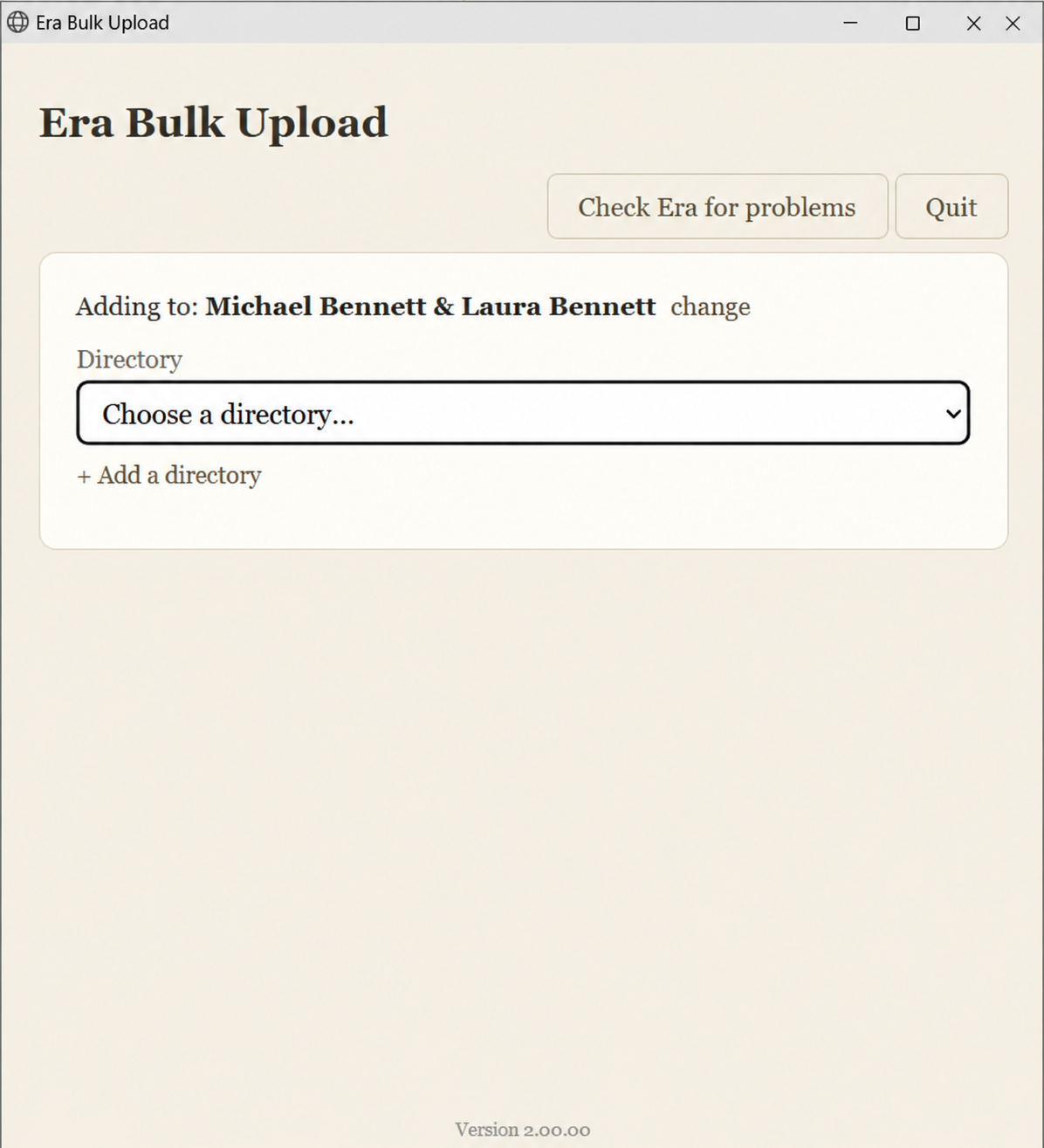
Explore Family Tree →Choose a person or couple, select a directory, apply a caption, and load hundreds of scanned photos in organized batches.
Explore Bulk Upload →Manage relationships, check system status and storage, and review exact duplicate photographs.
Explore Administration →ERA™ runs on a fully configured Raspberry Pi system we provide—or your own compatible Raspberry Pi. Connect a configured system to your network and begin organizing your memories.
Start small. Expand as you go. Add external storage as the collection grows. Very large collections are possible, with practical limits determined by drive space, file sizes, and hardware performance.
With ERA™, no cloud-storage subscription is required. Hardware, maintenance and independent backup media remain your responsibility.
ERA™ Version 1 was a great success, helping families finally organize and enjoy their treasured photographs and memories. We're grateful to everyone who made it possible.
Version 1 is now sold out. But there's good news: ERA™ Version 2, featuring expanded bulk-upload and photo-management capabilities, is approaching field testing with a dedicated group of ERA™ Version 1 users. Thank you, V1'ers!
Want to know when ERA™ Version 2 is available? Email products@gyroscopeit.com to request a launch notification.